
From Full-Body Portrait to Multi-Platform Headshot Suite: An Automated Workflow
Converting a single full-body portrait into a different set of headshots is a standard requirement for individual and corporate photography. Traditionally, this workflow is entirely manual: after selecting the final retouched image, a designer or photographer manually opens a canvas, imports the portrait, and start resizes and reframes it multiple of times to satisfy various platform requirements.
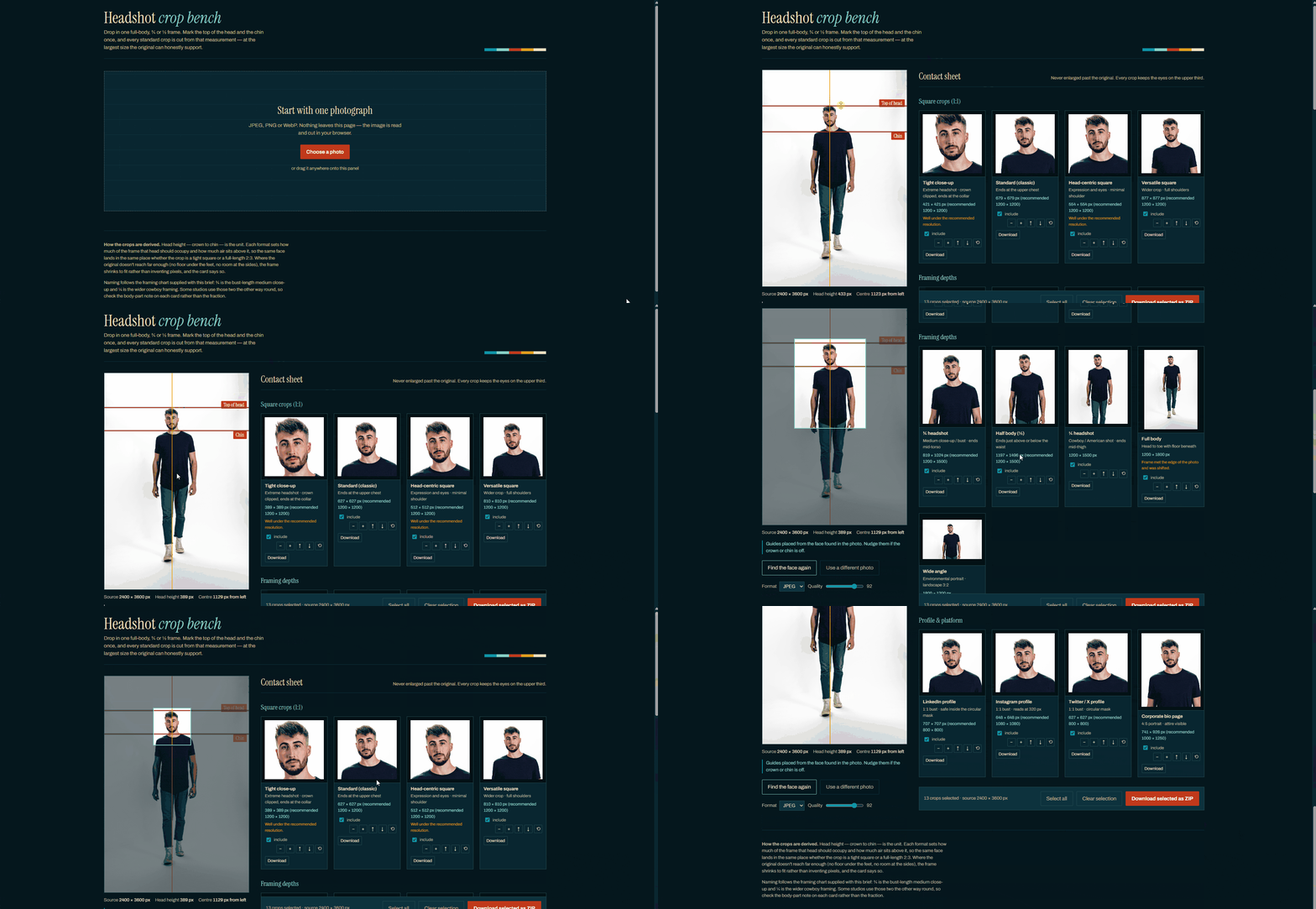
Rather than repeating this tedious process for every image, I developed a programmatic approach to automate different cropping.
By asking the user to define just two anchor points which are the top of the head and the chin location, and leave the rest to the algorithm calculates facial proportions, determines minimum necessary padding, and automatically extracts a complete library of standard crops:
| Headshot Type | Aspect Ratio / Framing | Example |
|---|---|---|
| Tight & Standard Cuts | ||
| Extreme Close-Up | 1:1 | 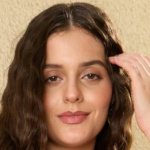 |
| Standard Classic Headshot | 1:1 |  |
| Head-Centric Square | Square / Avatar Badge | 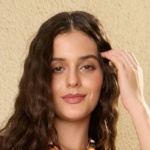 |
| Medium & Contextual Framing | ||
| Versatile Square & Bust Shot | 1:1 Headshot | 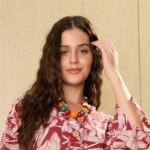 |
| Cowboy Shot / American Shot | 1/4 Crop | 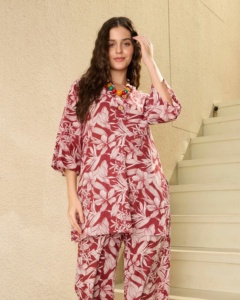 |
| Half Body Shot | 1/2 Crop | 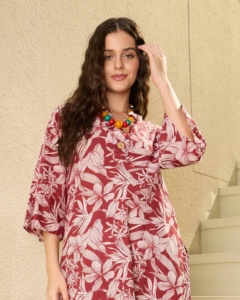 |
| Environmental Portrait | Full-Frame | 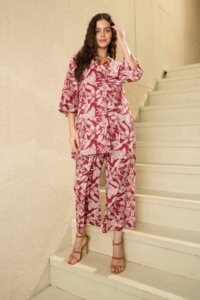 |
| Platform-Optimized Formats | ||
| Social Avatars | 1:1 Bust | 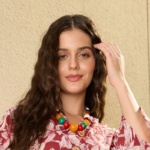 |
| Corporate Bio Portals | Responsive / Web Layout | 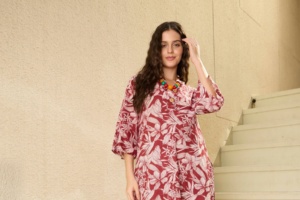 |
This theoretical model for facial coordinate estimation and safe-margin padding was brought to life via Headshot Crop Bench, a vibe-coded web application designed to streamline image different sizes generation in seconds.
Explore the Project:
-
Read the Full Notebook Breakdown (Link to technical post)
-
Launch Headshot Crop Bench (Link to web app)